

Ultimate Checklist for FSM Software Features


The FSM Software Features Contractors Actually Need to Run a Tighter Operation
The fsm software features contractors actually need are not always the ones that show up first in a vendor demo. If you run an HVAC, plumbing, or electrical business, you already know the pain: jobs fall through the cracks, technicians show up without the right information, invoices sit unpaid for weeks, and your dispatcher is still working off a whiteboard. The right field service management (FSM) software fixes all of that — but only if it has the right features for the way your business actually works.
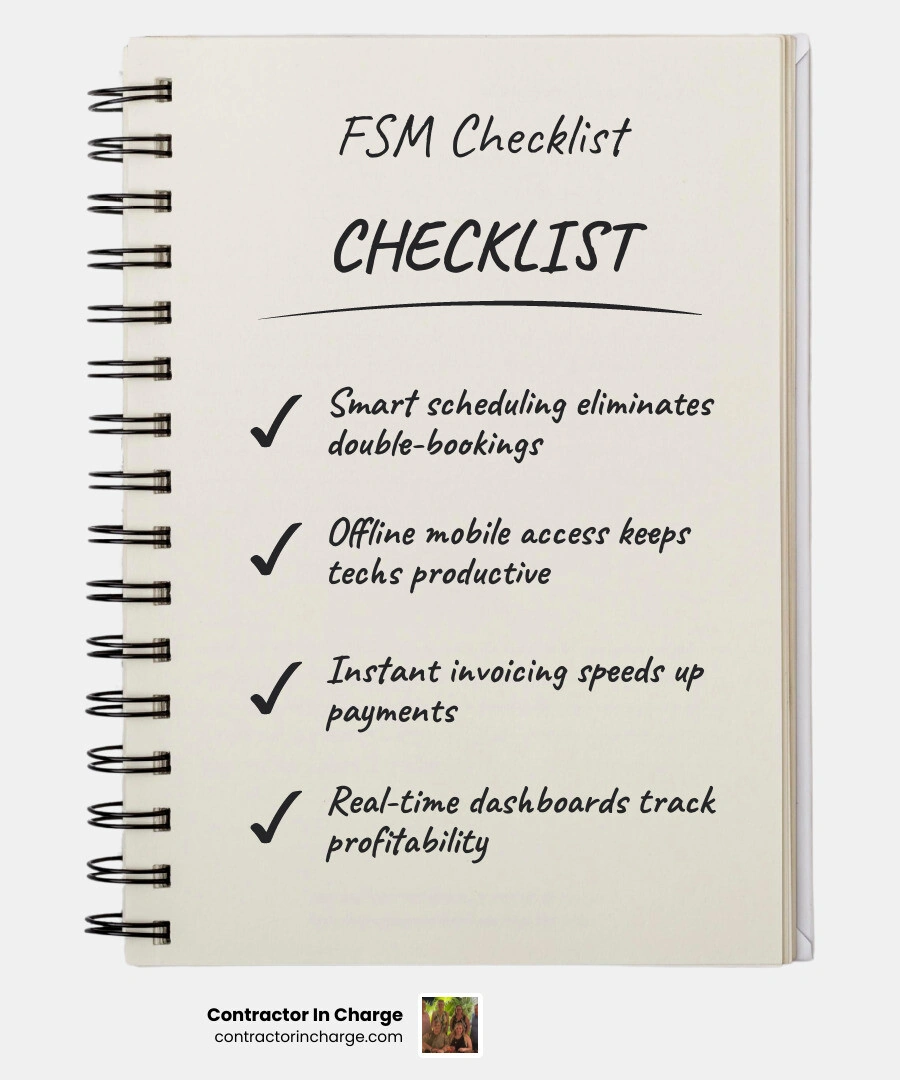
Here is a quick look at the core features contractors need most:
• Smart scheduling and dispatching — Why It Matters: Eliminates double-bookings and gets the right tech to the right job fast
• Mobile app with offline access — Why It Matters: Keeps field techs productive even without a strong signal
• Work order management — Why It Matters: Tracks every job from creation to close without paperwork
• Invoicing and payment processing — Why It Matters: Gets invoices out fast and reduces time to payment
• CRM and customer history — Why It Matters: Gives every technician the context they need before arrival
• Accounting integrations (QuickBooks, etc.) — Why It Matters: Eliminates double-entry and keeps your books clean
• Reporting and dashboards — Why It Matters: Shows you where you are making money and where you are not
• Preventive maintenance scheduling — Why It Matters: Keeps recurring service contracts on track automatically
• Inventory and parts tracking — Why It Matters: Reduces truck rolls and improves first-time fix rates
• Pricebook and estimating tools — Why It Matters: Helps techs quote accurately in the field
The numbers back this up. Businesses that adopt FSM software have seen a 47% increase in daily job completions, and 83% report getting invoices paid faster. Yet many contractors are still choosing software based on a polished sales demo rather than real-world performance — and paying for it later.
I'm Anna Lynn Wise, CEO of Contractor In Charge, and I spent over fifteen years in the trades — starting as a dispatcher and eventually owning and managing a plumbing, HVAC, and remodeling company — so I have lived the exact operational gaps that the right fsm software features contractors actually need are designed to solve. That hands-on experience shapes everything my team and I do to help service business owners streamline their operations and grow profitably.
Fsm software features contractors actually need glossary:
• best fsm software for hvac and plumbing companies
• how to choose field service management software
Why Modern Contractors Need Specialized Field Service Software
Running a home service business in the United States today is a balancing act. Between managing a team of technicians, answering incoming customer calls, tracking parts, and trying to keep your books balanced, it is incredibly easy for small details to get lost. If you are still relying on a combination of whiteboards, paper work orders, text messages, and basic spreadsheets, you are likely leaving a significant amount of money on the table.
In fact, research shows that most service businesses leave 20% to 30% of their billable hours completely untapped due to scheduling conflicts and dispatching inefficiencies. When dispatchers have to manually coordinate schedules or guess which technician is closest to an emergency call, routes become inefficient, travel times increase, and customer response times suffer.

This is why specialized field service management software has become the operating system of the modern contracting business. It connects your front office, your field technicians, and your financial backend into a single, unified workflow. When these elements are synchronized, the operational improvements are immediate:
• 97% of FSM software users report a positive impact on how their business operates.
• 86% of companies lower their fuel costs through smarter routing and dispatching.
• 82% of businesses improve their first-time fix rate because technicians have instant access to equipment history and parts inventory before they arrive.
By automating routine tasks and centralizing your data, FSM software allows your business to scale without requiring you to hire an army of administrative staff. To understand how these digital systems fit into your broader growth strategy, it is helpful to look at the essential Systems You Need to Scale a Service Business so you can build a highly repeatable, profitable operation.
Core FSM Software Features Contractors Actually Need
When you begin evaluating FSM platforms, it is easy to get distracted by flashy, complex features that sound impressive but add zero value to your daily operations. Overly complex tools often backfire, leading to low employee adoption, frustrated technicians, and wasted administrative time.
The most successful software implementations focus on ease of use. In fact, 74% of companies cite ease of use as the number one reason they selected their specific field management program. If your team finds the software difficult to navigate, they will simply find workarounds, leaving you with incomplete data and broken processes.
To make an informed decision, you need to understand How to Choose Field Service Management Software by focusing on the core functional areas that directly impact your bottom line: scheduling, technician mobility, and financial integrations.
Smart Scheduling and Dispatching for Booking Jobs
The heart of any FSM platform is its dispatch board. A modern, drag-and-drop calendar allows dispatchers to see the entire day's schedule at a glance, making it easy to adjust workloads when emergency calls come in.
True smart scheduling goes beyond a digital calendar. The best platforms offer:
• Technician availability and skill matching: Ensuring that a complex commercial HVAC diagnostic job is routed to your senior technician, while a routine maintenance check goes to an apprentice.
• Route optimization: Automatically calculating the most efficient path for your technicians, reducing windshield time and keeping fuel costs low.
• Real-time GPS tracking: Providing your dispatch team with the live location of every service vehicle, allowing them to send the nearest technician to an urgent call and send automated "On My Way" notifications to waiting homeowners.
By streamlining this process, businesses using FSM software see a 79% increase in customer visits per day, directly boosting your capacity for booking jobs and generating revenue.
Mobile App Capabilities and Offline Access for Technicians
Your technicians are the face of your company, and they need tools that work as hard as they do. A robust mobile application is non-negotiable for modern field operations. It serves as the technician’s personal assistant, providing them with everything they need to complete the job in a single visit.
The mobile app must support:
• Offline functionality: Technicians frequently work in basements, mechanical rooms, or rural areas with weak cellular signals. The app must allow them to view job details, complete checklists, and take photos offline, automatically syncing the data once a connection is re-established.
• Field evidence capture: Technicians should be able to upload before-and-after photos, attach detailed job notes, and document equipment serial numbers directly to the work order. This protects your business against liability and provides clear proof of work to the customer.
• On-site digital signatures: Allowing customers to sign off on estimates and completed work orders right on the technician's tablet or phone, creating a paperless audit trail.
Seamless Accounting and CRM Integrations
An FSM platform should never operate as an island. If your office staff has to manually copy customer details, invoices, and payments from your field software into your accounting software, you are opening the door to costly data-entry errors and delayed billing.
A tight integration with bookkeeping platforms like QuickBooks Online is essential. When a technician completes a job in the field, the FSM software should automatically generate an invoice, record the payment, and sync that transaction with your accounting system in real time. This seamless flow improves cash flow, with 83% of businesses reporting that they get paid significantly faster after implementing an FSM platform.
To ensure your financial data remains accurate, it is critical to follow Accounting and FSM Integration Best Practices for Contractors to prevent duplicate entries and keep your balance sheets clean.
How to Evaluate and Test FSM Platforms Without Falling Into the Sales Trap
Many contractors fall into what is known as the "FSM software trap." During a sales demonstration, a representative walks you through a highly controlled environment filled with perfect customer records, clean routes, and flawless workflows. It looks incredibly simple.
But when you purchase the software and attempt to import your messy, real-world data, the reality is often quite different. You may discover hidden setup fees, rigid systems that do not match your actual workflows, or a mobile app that your technicians find too slow and frustrating to use in the field.
To avoid this costly mistake, you must take a highly practical approach to testing. Before signing any long-term contract, look for platforms that offer a hands-on free trial and use that time to run a complete work order cycle.
Here is a practical checklist for testing any FSM software:
1. Import real data: Do not rely on the vendor's clean sample data. Upload a handful of your actual customer profiles, active job sites, and equipment records.
2. Put technicians in the field: Have your technicians download the mobile app and use it on real jobs. Check how the app performs in areas with poor cellular service.
3. Test dispatch exceptions: Have your dispatcher attempt to reschedule a job, reassign a technician, and handle a last-minute emergency call on the dispatch board to see how intuitive the interface really is.
4. Run a complete billing cycle: Create a job, dispatch it, have the technician complete it on their mobile device, generate an invoice, collect a test payment, and verify that the transaction syncs correctly with your bookkeeping software.
5. Verify data export options: Ensure that your data belongs to you. If you decide to switch platforms in the future, you must be able to export your customer history, equipment records, and financial transactions without paying exorbitant exit fees.
When deciding on the right platform, take the time to learn How to Select a CRM Scheduling Software so you can make a low-risk, highly informed decision for your business.
Critical FSM Software Features Contractors Actually Need for HVAC and Plumbing
While generic FSM systems can handle basic scheduling and invoicing, specialty trades like HVAC and plumbing require specific tools to manage their unique operational demands.
For these residential and commercial service businesses, preventive maintenance and service agreements are the lifeblood of predictable cash flow. Your FSM software must have a dedicated module to manage these recurring service contracts.
Critical specialty trade features include:
• Automated maintenance scheduling: The system should automatically generate work orders and notify your office when a customer's seasonal AC tune-up or annual water heater flush is due.
• Detailed equipment tracking: Every property profile should include a detailed history of the equipment on-site, including brand, model number, serial number, install date, and past repair records. This allows technicians to arrive with the correct replacement parts, dramatically improving first-time fix rates.
• EPA refrigerant compliance tracking: For HVAC contractors, the ability to log refrigerant usage and maintain compliance records directly within the work order is essential for regulatory peace of mind.
To see how specialized tools can transform your service delivery, explore our guide on the Best FSM Software for HVAC and Plumbing Companies to find a solution tailored to your trade.
Key FSM Software Features Contractors Actually Need to Track Business Health
You cannot manage what you do not measure. A great FSM platform acts as a business intelligence tool, providing owners and managers with real-time dashboards that show exactly how the business is performing.
Instead of waiting until the end of the month to review your profit and loss statements, you should be tracking these key performance indicators (KPIs) daily:
• Technician utilization rate: What percentage of your technicians' working hours is spent on billable travel and repair work versus non-billable administrative tasks or downtime?
• First-time fix rate: How often do your technicians resolve an issue on their very first visit? A low rate indicates issues with inventory tracking, dispatching, or technician training.
• Response times: How quickly does your team respond to a service request and get a technician on-site? Fast response times are critical for securing high-margin emergency jobs.
• Revenue per technician: Tracking individual sales and repair revenue helps you identify your top performers and highlight opportunities for additional field training.
By having instant access to these metrics, you can make fast, data-driven decisions that protect your profit margins and keep your team operating at peak efficiency.
Frequently Asked Questions About FSM Software
Selecting and implementing new software is a major decision that raises plenty of questions for busy contractors. Here are some of the most common questions we hear from service business owners.
What is the difference between CRM and FSM software?
While they sound similar, Customer Relationship Management (CRM) and Field Service Management (FSM) software serve different primary purposes, though modern FSM platforms often include built-in CRM features.
A CRM focus is primarily on the customer relationship, sales pipeline, and marketing. It tracks leads, logs communication history, and helps you win new clients. FSM software, on the other hand, is built to manage the actual execution of the work in the field. It handles the scheduling, dispatching, mobile work orders, technician tracking, and on-site invoicing.
For a complete breakdown of how these systems overlap and how to choose the right balance for your office, read our CRM Scheduling Software Complete Guide.
How long does it take to implement new FSM software?
For small to mid-sized contractors, the entire process — from selecting the software to going live with your team — typically takes between 2 to 6 weeks.
This timeline depends heavily on how prepared you are before you begin. If your existing customer lists and equipment data are organized, the migration process is relatively fast. However, if you are moving from messy paper files or disorganized spreadsheets, it will take additional time to clean up that information.
Training your office staff and field technicians is the most critical step. Providing hands-on training sessions and running test jobs ensures that everyone is comfortable with the new system before you officially go live.
Why is offline functionality critical for field technicians?
In the field, a reliable internet connection is never guaranteed. Technicians frequently find themselves working in concrete basements, commercial mechanical rooms, or remote rural locations where cellular service is non-existent.
Without offline functionality, a technician cannot access the customer's equipment history, fill out required safety checklists, upload photos, or collect a digital signature to close out the job. This forces them to revert to paper notes, which must then be manually entered into the system later, completely defeating the purpose of having FSM software.
An offline-first mobile app ensures that your technicians remain fully productive regardless of cellular signal strength, automatically syncing all data back to the office the moment they return to a connected area.
Conclusion: Optimizing Your Operations for Long-Term Growth
Choosing the right fsm software features contractors actually need is only the first step toward building a highly profitable, scalable home service business. Even the most advanced software in the world won't grow your business if you don't have the administrative support to keep it running smoothly.
If your phones are going unanswered, if your dispatcher is overwhelmed, or if your customer messages are slipping through the cracks, your software cannot save you. That is where we come in.
At Contractor In Charge, we provide outsourced, 24/7 call answering, booking, dispatch, admin, and bookkeeping services designed specifically for HVAC, plumbing, and electrical contractors across the United States, including our partners in Florida and Texas. Our scalable, dedicated team combines modern technology with old-fashioned customer care to ensure that every incoming call is answered, every job is booked, and your FSM platform is always kept 100% up to date.
By partnering with us, you can free your team from administrative bottlenecks, maximize your software investment, and focus entirely on delivering exceptional service in the field. To learn more about how we can help you streamline your business, explore our specialized services in FSM Software and Optimization and let us help you build a more efficient, profitable operation today.